Default passwords are one of the most overlooked and most exploited security weaknesses in today’s environments. Many devices and systems come with factory-set default credentials that are widely known, easy to find online, and rarely changed, making them a prime target for attackers.
Whether it’s a network device, application, or IoT system, leaving a default password in place can open the door to unauthorized access in minutes.
Understanding where these risks exist and how to eliminate them is a critical first step in strengthening your overall security posture.
Why Default Passwords Are a Security Risk
Default passwords are a well-known entry point for attackers because they are publicly available, predictable, and often unchanged after deployment. Manufacturers frequently publish these credentials in user manuals or online support pages, making it easy for anyone, including cybercriminals, to find them.
Automated tools can scan the internet for exposed devices and attempt common default logins in seconds, meaning it doesn’t take a sophisticated attack to gain access.
Once inside, attackers can move quickly, accessing sensitive data, installing malware, or using the compromised system as a foothold to pivot deeper into your network. In many cases, organizations don’t even realize a device is vulnerable because default credentials are overlooked during setup or forgotten over time.
The risk is especially high in environments with large numbers of connected devices, such as IoT systems, network infrastructure, and remote access tools.
A single unchanged default password can undermine otherwise strong security controls, creating a weak link that puts the entire organization at risk.
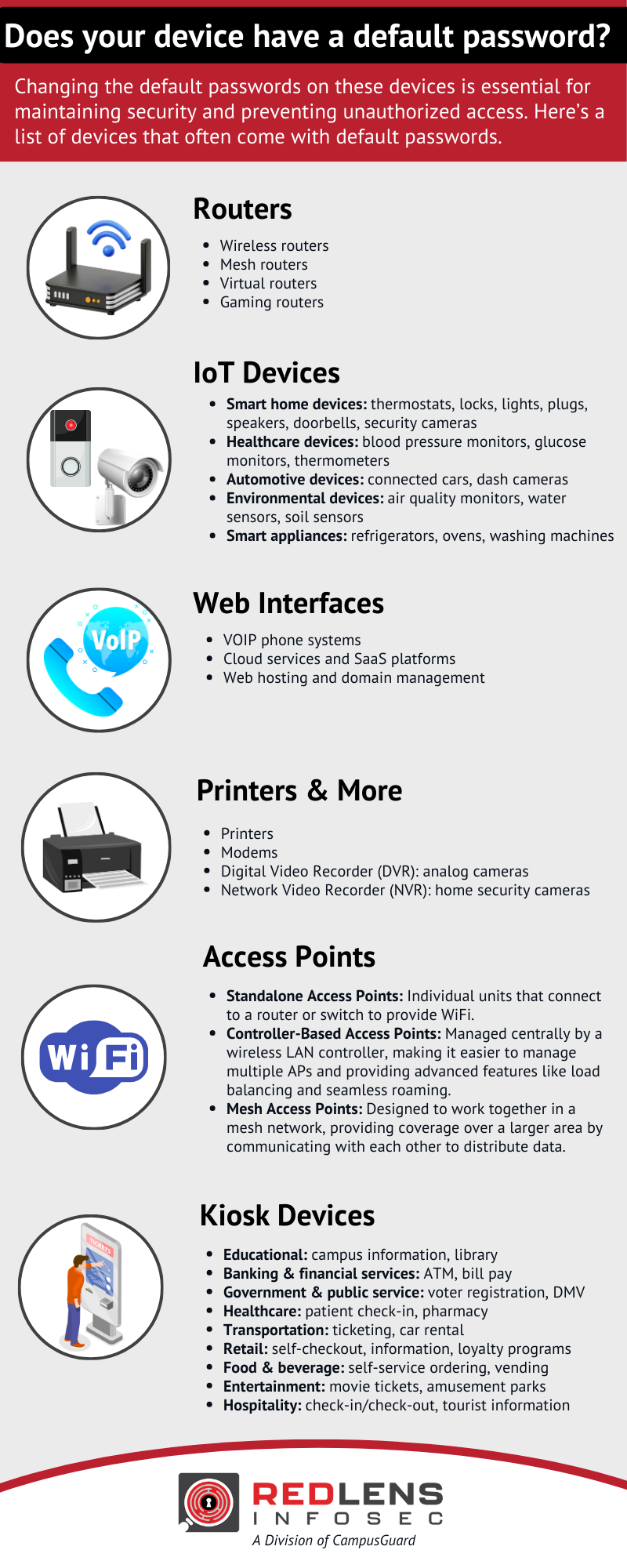
Changing the default passwords on these devices is essential for maintaining security and preventing unauthorized access. Here’s a list of devices that often come with default passwords:
Routers
- Wireless routers
- Mesh routers
- Virtual routers
- Gaming routers
IoT Devices
- Smart home devices: thermostats, locks, lights, plugs, speakers, doorbells, security cameras
- Healthcare devices: blood pressure monitors, glucose monitors, thermometers
- Automotive devices: connected cars, dash cameras
- Environmental devices: air quality monitors, water sensors, soil sensors
- Smart appliances: refrigerators, ovens, washing machines
Web Interfaces
- VOIP phone systems
- Cloud services and SaaS platforms
- Web hosting and domain management
Printers & More
- Printers
- Modems
- Digital Video Recorder (DVR): analog cameras
- Network Video Recorder (NVR): home security cameras
Access Points
- Standalone Access Points: Individual units that connect to a router or switch to provide WiFi.
- Controller-Based Access Points: Managed centrally by a wireless LAN controller, making it easier to manage multiple APs and providing advanced features like load balancing and seamless roaming.
- Mesh Access Points:Designed to work together in a mesh network, providing coverage over a larger area by communicating with each other to distribute data.
Kiosk Devices
- Educational: campus information, library
- Banking & financial services: ATM, bill pay
- Government & public service: voter registration, DMV
- Healthcare: patient check-in, pharmacy
- Transportation: ticketing, car rental
- Retail: self-checkout, information, loyalty programs
- Food & beverage: self-service ordering, vending
- Entertainment: movie tickets, amusement parks
- Hospitality: check-in/check-out, tourist information
Download this list as a quick reference to identify systems that should be reviewed for default passwords.
RedLens InfoSec, a Division of CampusGuard, is your partner to help you boost the security of your organization. Contact us to learn more and get started.