- Services
- Products
-
-
- Online Training
- Information Security Awareness Training Course
- PCI DSS Compliance Bundle
- GLBA Awareness Training Course
- CMMC Training Course
- HIPAA Awareness Training Course
- Data Privacy Training Course
- Payments Security Training Course
- Phishing Awareness Training Course
- GDPR Training Course
- FERPA Training Course
- FACTA Training Course
- Online Training
-
- Compliance
- Markets
- Insights
- About
Campus Wi-Fi security plays an essential role in protecting students, faculty, staff, and institutional data. Every semester, thousands of students arrive on campus with laptops, smartphones, tablets, gaming consoles, and other internet-connected devices.
Within hours of moving into residence halls or attending their first class, those devices begin connecting to campus wireless networks, public hotspots, and personal mobile hotspots, often without a second thought.
Wireless connectivity has become a fundamental part of the student’s experience. Whether attending virtual lectures, submitting assignments, collaborating on group projects, streaming educational content, or managing financial aid, students depend on reliable internet access throughout the day.
However, convenience can sometimes overshadow security. Many students assume that if a Wi-Fi network appears to belong to their college or university, it must be safe to use.
Unfortunately, that isn’t always the case.
Cybercriminals frequently take advantage of high-traffic campus environments by creating fraudulent wireless networks, intercepting unsecured connections, or targeting users who connect to public Wi-Fi without understanding the associated risks.
At the same time, students may unknowingly expose sensitive information by logging into banking applications, accessing university accounts, or transmitting personal data across unsecured networks.
What Is Campus Wi-Fi Security?
Campus Wi-Fi security refers to the technologies, policies, and best practices used to protect wireless networks and the people who rely on them. While secure network architecture is essential, effective Wi-Fi security also depends on informed users who understand how to recognize trusted networks, avoid unnecessary risks, and protect sensitive information while connected.
Wireless networks allow devices to communicate without physical cables, making them convenient for learning, collaboration, and everyday campus life. However, because data travels through radio signals rather than wired connections, attackers may attempt to intercept traffic, impersonate legitimate networks, or exploit unsecured devices if appropriate protections are not in place.
Strong campus Wi-Fi security combines secure network infrastructure with user awareness, helping reduce opportunities for cybercriminals while supporting a safer learning environment.
Why Public Wi-Fi Can Create Security Risks
Not every wireless network offers the same level of protection. While colleges and universities typically provide secure, authenticated Wi-Fi for students and employees, public wireless networks found in cafés, airports, hotels, libraries, and other shared spaces often lack the same security controls.
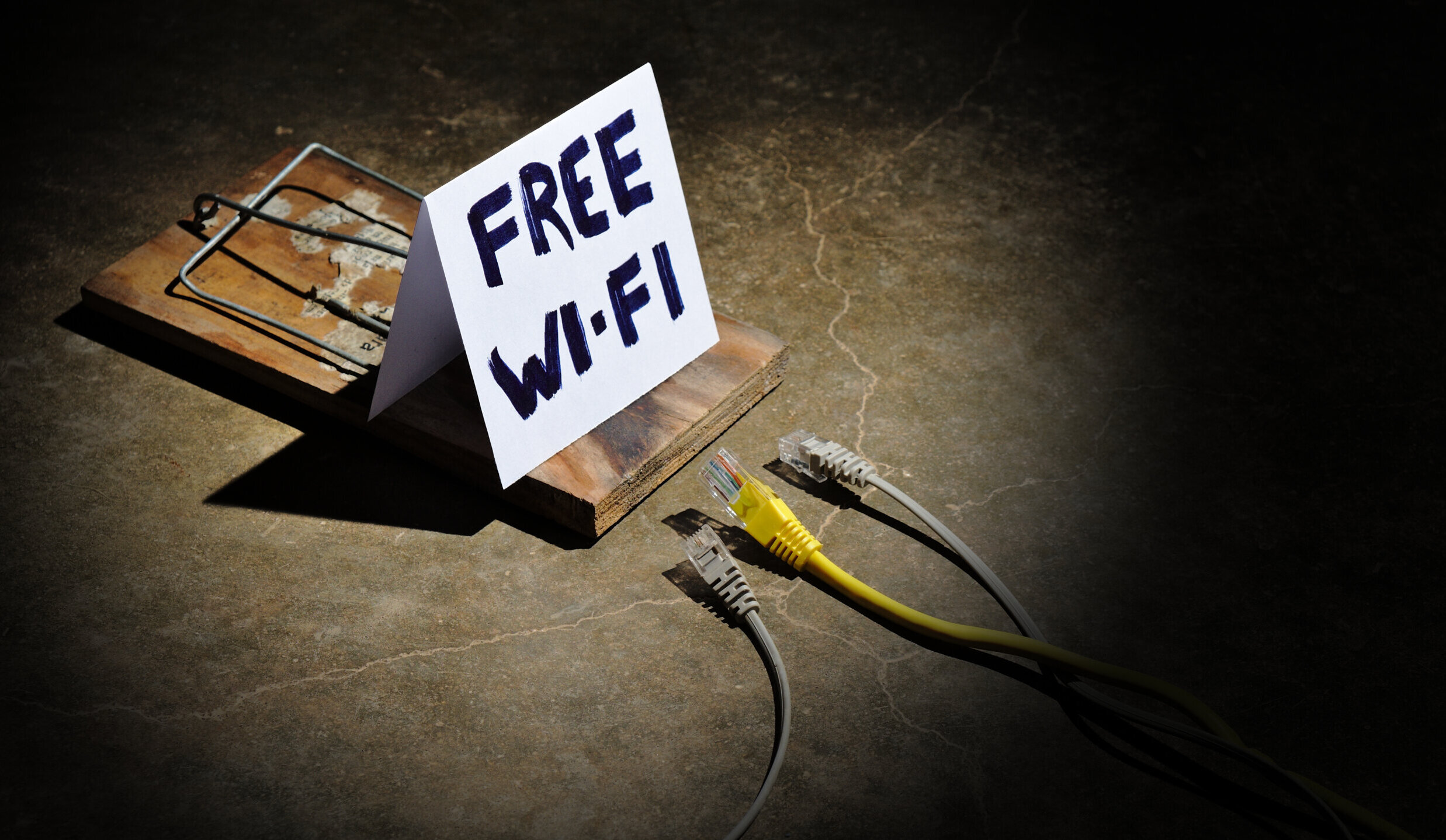
One of the most common threats involves rogue wireless access points, sometimes called evil twin networks. These fraudulent networks are intentionally configured with names that closely resemble legitimate campus Wi-Fi, hoping users will connect without verifying the network first.
Once connected, attackers may attempt to capture login credentials, monitor network traffic, or redirect users to fraudulent websites designed to steal usernames, passwords, or financial information.
Even legitimate public Wi-Fi can introduce risks if users access sensitive accounts without encryption or leave devices configured to automatically connect to previously used networks.
Understanding these risks is the first step toward helping students make more informed decisions about how and where they connect.
Common Security Threats on Public Wi-Fi
Understanding how attacks occur is an important step toward preventing them. While most students will never encounter every type of wireless attack, security awareness helps reduce the likelihood of becoming an easy target. Here are some common threats to be aware of:
Rogue Wireless Networks
Cybercriminals frequently create fake wireless access points that closely resemble legitimate campus networks. A student looking for “University Wi-Fi” may unknowingly connect to a network with a nearly identical name, believing it to be official.
Once connected, attackers may attempt to collect usernames and passwords or monitor unencrypted traffic transmitted across the network.
A wireless penetration test can help identify rogue access points and unauthorized wireless devices operating on campus networks. They can locate wireless devices that are broadcasting Service Set Identifiers (SSIDs) imitating institutional networks. These tests can also evaluate segmentation between the guest, student, faculty, and administrative wireless networks, and test whether public Wi-Fi networks can be leveraged to access protected campus resources.
Man-in-the-Middle (MitM) Attacks
A man-in-the-middle attack occurs when an attacker positions themselves between a user’s device and the network they believe they’re communicating with. Rather than communicating directly with a trusted website or application, information passes through the attacker first.
If sensitive information such as login credentials or financial data is transmitted without proper encryption, attackers may be able to intercept or manipulate that information.
Credential Theft
University credentials are valuable because they often provide access to multiple institutional systems, including email, learning management systems, cloud storage, library resources, and student information.
Attackers frequently combine phishing attempts with fake Wi-Fi networks, directing users to fraudulent login pages that closely resemble official university websites. Once credentials are entered, they can be used to access additional systems or launch further attacks.
Helping Students Build Safer Wi-Fi Habits
Students need practical guidance that helps them recognize potentially unsafe situations before they connect.
One of the simplest habits institutions can encourage is verifying the official campus’s Wi-Fi network name before connecting. Publishing this information during orientation, within campus mobile apps, and institutional websites helps reduce confusion while making rogue networks easier to identify.
Students should also be encouraged to disable automatic connections to unfamiliar wireless networks. Many devices remember previously connected networks and may reconnect without the user realizing it, increasing the likelihood of joining an unsecured network.
Using a Virtual Private Network (VPN) when accessing institutional resources from off campus adds another layer of protection by encrypting network traffic between the user’s device and its destination. If the institution provides a VPN, students should understand when and how to use it effectively.
Finally, students should be reminded that sensitive activities such as online banking, accessing financial aid information, or changing account passwords are best performed over trusted, encrypted networks rather than unsecured public Wi-Fi whenever possible.
Creating a Culture of Wireless Security
Technology alone cannot protect every device that connects to a campus network. While secure wireless infrastructure, network segmentation, and authentication protocols are essential, they are only part of an effective security strategy. The individuals using the network also play an important role in maintaining a secure campus environment.
Security awareness should begin before students connect to their first device. Orientation programs, new student onboarding, and technology training sessions provide valuable opportunities to introduce basic wireless security concepts and establish expectations for safe online behavior.
Rather than overwhelming students with technical information, institutions should focus on practical guidance students can apply immediately throughout the academic year.
Communication should also continue beyond orientation. Short reminders about phishing attempts, password security, software updates, and safe Wi-Fi practices help reinforce cybersecurity habits when students are most likely to encounter new threats. Posters throughout campus, digital signage, newsletters, social media, and learning management systems can all be used to deliver timely security messages without disrupting the student’s experience.
Faculty and staff also contribute to a secure wireless environment. Employees regularly access institutional systems, research data, financial information, and student records from a variety of campus locations. Encouraging secure wireless practices across the entire campus community helps reduce organizational risk while creating a more consistent approach to cybersecurity.
Building a culture of wireless security isn’t about creating fear or restricting technology. Instead, it’s helping users understand how everyday decisions such as verifying a Wi-Fi network before connecting or avoiding sensitive transactions on unsecured public networks can significantly reduce cybersecurity risk.
When security awareness becomes part of everyday campus life, organizations strengthen not only their technical defenses but also the people who use them.
Secure Wi-Fi Connections Begin with Smart Habits
Wireless connectivity has transformed higher education, making it easier than ever for students to learn, collaborate, and stay connected wherever they are on campus. However, that convenience also brings new security challenges that require both technical safeguards and informed users.
Protecting students from wireless threats isn’t accomplished through technology alone. It requires secure network architecture, continuous monitoring, strong authentication, and ongoing security awareness that empowers students to recognize risks before they become security incidents.
By helping students understand how to identify trusted networks, protect their devices, and safely access institutional resources, organizations can reduce unnecessary risk while supporting a more resilient cybersecurity program.
As the number of connected devices continues to grow, campus Wi-Fi security will remain an important part of protecting institutional data and creating a safer digital learning environment. A proactive approach to wireless security not only strengthens an organization’s cybersecurity posture but also helps students develop security habits that extend well beyond graduation.
CampusGuard’s Information Security Awareness training can help educate students on wireless best practices. A RedLens InfoSec wireless penetration test can also help proactively identify rogue wireless devices, validate the security of campus Wi-Fi environments, and evaluate whether attackers can gain unauthorized access through wireless networks. Contact us to learn more or get started.