- Services
- Products
-
-
- Online Training
- Information Security Awareness Training Course
- PCI DSS Compliance Bundle
- GLBA Awareness Training Course
- CMMC Training Course
- HIPAA Awareness Training Course
- Data Privacy Training Course
- Payments Security Training Course
- Phishing Awareness Training Course
- GDPR Training Course
- FERPA Training Course
- FACTA Training Course
- Online Training
-
- Compliance
- Markets
- Insights
- About
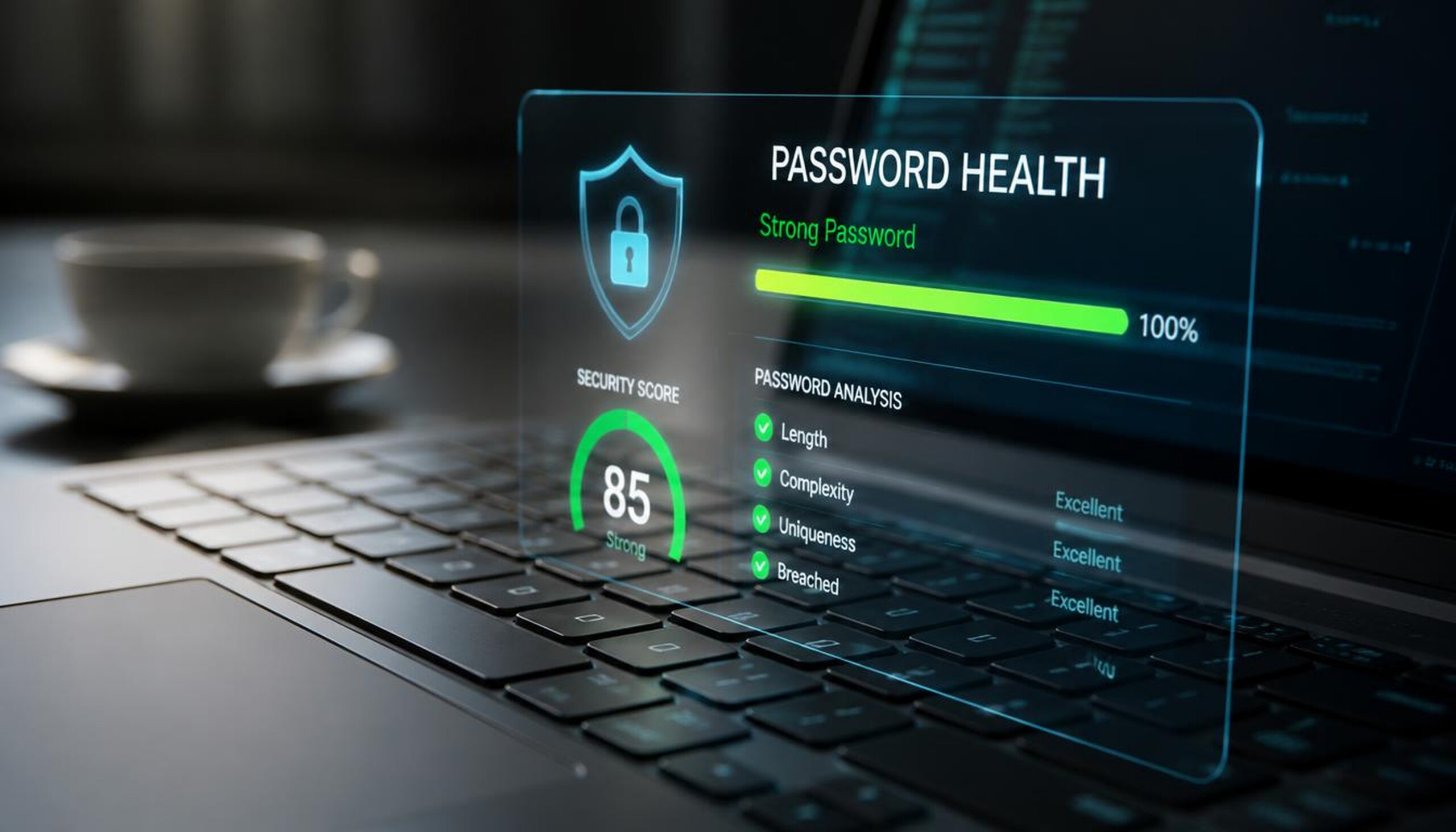
Remembering a different password for every account can feel impossible. Using the same password across accounts may seem convenient, but it can put multiple accounts at risk if one password is compromised.
The best way to remember passwords is to use long, memorable passphrases for the few passwords you need to know, and a reputable password manager to generate and store unique passwords for your other accounts.
Avoid reusing passwords or relying on predictable substitutions, such as replacing “a” with “@.”
Strong password security does not mean memorizing dozens of complicated strings of characters. It means creating a system that makes your passwords both difficult for attackers to guess and manageable for you to use.
Why Passwords Are So Difficult to Remember
The challenge is not necessarily creating one strong password. Most people could probably remember a single complicated password if they used it often enough.
The problem comes when you need dozens of unique login credentials.
Using the same password across multiple accounts may seem convenient, but it creates significant risk. If one account is compromised and that password is exposed, attackers may attempt to use the same credentials to access your other accounts.
The solution isn’t to create one “super password” and use it everywhere. Instead, your goal should be to minimize the number of passwords you need to memorize while keeping your account credentials unique.
How to Remember Strong Passwords
For passwords you need to memorize, consider using a passphrase rather than a short, complicated password.
A passphrase combines multiple words into a longer password. Because it can be easier for a person to remember, it provides a practical alternative to trying to memorize a completely random string.
For example, you might create a memorable phrase based on several unrelated words.
Instead of:
Password123!
you could use a structure such as:
River-Coffee-Planet-Window
The point is to demonstrate the concept of combining multiple words into a memorable, longer credential.
When creating your own memorable password:
- Make it long.
- Combine multiple unrelated words.
- Avoid using any information connected to you, such as your name or date of birth.
- Don’t use common phrases or quotations.
- Avoid predictable number and symbol patterns.
- Create a unique password for every account.
A password can be long without being predictable. A sentence pulled directly from a favorite song, movie, or book may be memorable, but it can also be easier to guess than an original combination of unrelated words.
Simple Tricks to Help You Remember Strong Passwords
If you need to remember a password, creating a mental association can make recall easier.
One approach is to turn several unrelated words into a mental story or image. Imagine the words interacting with each other in an unusual or funny way. The stranger the mental image, the easier it may be to recall.
You can also group a passphrase into memorable chunks rather than attempting to remember it as one long string.
Another technique is active recall. Instead of repeatedly looking at a password, try recalling it from memory and then checking whether you got it right.
However, avoid turning these techniques into predictable password formulas.
For example, don’t use the same pattern for every account:
FavoriteWord + BirthYear + !
An attacker who discovers the pattern may be able to guess the rest of your passwords.
The goal is to create passwords that are memorable to you but difficult for someone else to predict.
You Don’t Need to Memorize Every Password
One of the biggest misconceptions about password security is that you need to remember every password you create.
You don’t.
A password manager can securely store your unique account credentials so you don’t have to memorize each one. It can also generate random passwords that would be difficult to create or remember manually.
This allows you to have a different password for every account without maintaining a mental list of dozens of credentials.
Ideally, the number of passwords you personally need to remember should be relatively small. Depending on your devices and accounts, this may include a primary password for your password manager and certain device or recovery credentials.
Everything else can be securely managed through your chosen password manager.
The Best Way to Organize Passwords
A password manager can also make it easier to organize account credentials.
Instead of keeping passwords in a notebook, spreadsheet, phone note, or document, a password manager can provide one secure location for managing them.
When organizing your accounts, consider categories such as:
- Personal email
- Financial accounts
- School
- Work
- Healthcare
- Shopping
- Social media
- Entertainment
The organization itself matters less than maintaining unique credentials and secure storage.
It’s also important to periodically review your accounts. Remove credentials for accounts you no longer use, update passwords that may have been compromised, and make sure recovery information is current.
Password Credentials: What You Need to Know
Your password credentials are part of the information used to authenticate you and grant access to an account. Depending on the system, credentials may include a username, password, security key, biometric factor, or other authentication information.
Protecting credentials means protecting more than just the password.
Never share login credentials with other people or enter them into a website unless you have confirmed that you are using the legitimate service. Phishing attacks can trick users into providing passwords to fraudulent websites that look legitimate.
A strong password cannot protect an account if the user is tricked into giving it away.
Password Managers for Students
Students can benefit particularly from password managers because they often have a large number of accounts.
A student might have separate accounts for a university email account, warning management system, library resources, financial accounts, student organizations, social media, and personal services. A password manager for students can make it easier to maintain unique credentials without requiring students to memorize every password.
Students should also pay particular attention to securing school accounts. University credentials can provide access to academic records, email, financial information, and other sensitive data.
If a school provides an approved password manager, students should follow the institution’s guidance rather than using an unapproved service.
Another great feature of many password managers is the ability to scan or review your passwords against known password breaches and identify if any of them match known compromised passwords. Attackers commonly use compromised password lists to test access to various services like email, banking accounts, and corporate logins.
Common Password Mistakes to Avoid
Even well-intentioned users can develop password habits that increase security risks. Here are some common password mistakes to avoid:
Reusing passwords
Using one password across multiple accounts means one compromised credential could put several accounts at risk.
Using personal information
Names, birthdays, pets, hometowns, favorite teams, and other publicly available information can make passwords easier to guess.
Making predictable substitutions
Replacing letters with symbols does not automatically create a strong password. For example, changing “password” to “P@ssw0rd!” follows a pattern that attackers can anticipate.
Creating predictable variations
Changing Password1! to Password2! for your next account does not provide meaningful protection if someone discovers the pattern.
Storing passwords insecurely
Avoid leaving passwords on sticky notes, in unsecured documents, or in easily accessible notes on your phone or computer.
Sharing passwords
Your password should generally remain private. If another person needs access to an account, use appropriate account-sharing or delegation features instead of giving them your personal credentials.
What to Do When You Forget a Password
Even with a good system, you will eventually forget a password.
Start by checking your password manager if you use one. If the credential isn’t stored there, use the account’s official password-reset process.
Avoid repeatedly guessing passwords, particularly if the account locks after multiple failed attempts.
After resetting a forgotten password, consider whether the account’s previous password was reused elsewhere. If it was, update those other accounts with unique passwords.
If you believe a password may have been exposed, don’t simply change one character. Create a completely new, unique password and review the account for suspicious activity.
How Many Passwords Should You Actually Memorize?
There is no universal number, but the answer should generally be as few as practical.
The passwords you memorize should be those that are important for accessing your password manager, devices, or critical recovery functions. Your password manager can handle the rest.
This approach reduces the temptation to reuse passwords and makes it easier to create unique credentials for every account.
It also creates a simpler mental system: instead of asking yourself, “How do I remember passwords for all of my accounts?” you can ask, “Which passwords do I actually need to remember?”
Strong Passwords Don’t Have to Be Difficult to Manage
Knowing how to remember passwords doesn’t mean memorizing dozens of complicated credentials. Good password security is about creating a system that protects your accounts while keeping the passwords you need to remember manageable.
Use long, memorable passphrases for the passwords you actually need to know. For other accounts, consider using a reputable password manager to generate and securely store unique credentials. Enable multi-factor authentication (MFA) or passkeys whenever they are available, and never reuse passwords across accounts.
Most importantly, don’t confuse memorability with predictability. A strong password should be something you can manage while remaining difficult for an attacker to guess.
Contact CampusGuard to learn more about password security, credential protection, and practical strategies for strengthening your organization’s cybersecurity posture.
Frequently Asked Questions About Remembering Passwords
How can I remember strong passwords?
Use long, memorable passphrases for passwords you need to know. Creating a mental image or story around unrelated words can also make a passphrase easier to recall.
How many passwords should I memorize?
As few as practical. Ideally, you should memorize only the passwords necessary to access your password manager, devices, and important recovery functions.
Is it safe to use a password manager?
A reputable password manager can securely generate and store unique passwords, reducing the need to reuse or memorize passwords across accounts.
Are passphrases easier to remember than passwords?
Long passphrases made from multiple unrelated words can be easier for people to remember than complex, randomly generated character strings.
What should I do if I forget my password?
Check your password manager first. If the password isn’t stored there, use the account’s official password-reset process rather than repeatedly guessing the password.