- Services
- Products
-
-
- Online Training
- Information Security Awareness Training Course
- PCI DSS Compliance Bundle
- GLBA Awareness Training Course
- CMMC Training Course
- HIPAA Awareness Training Course
- Data Privacy Training Course
- Payments Security Training Course
- Phishing Awareness Training Course
- GDPR Training Course
- FERPA Training Course
- FACTA Training Course
- Online Training
-
- Compliance
- Markets
- Insights
- About
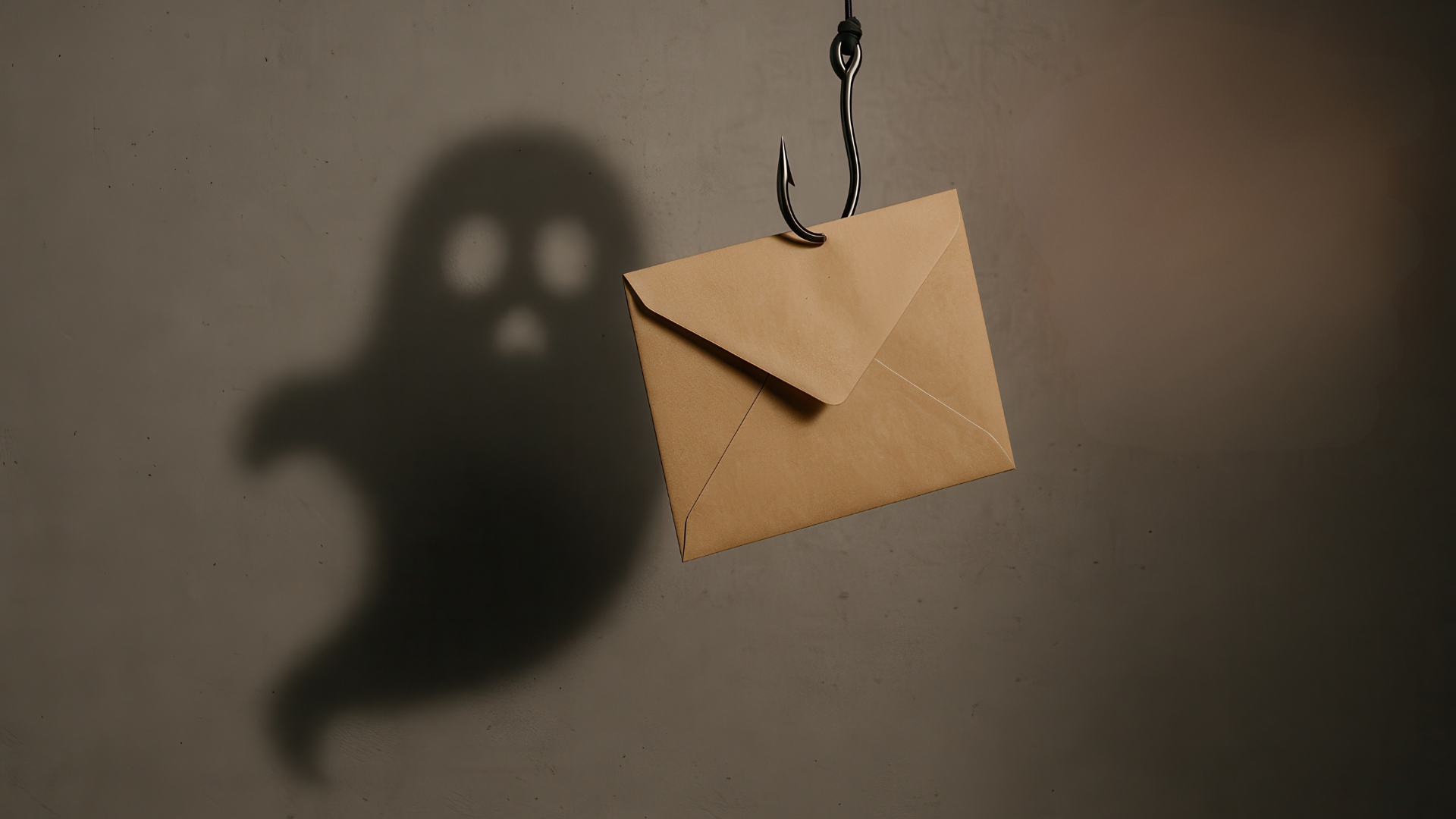
Phishing has always relied on tricking people, but the newest wave of attacks is also tricking the security tools meant to catch them. Security researchers have recently flagged a technique known as “ghost phishing,” where the malicious content of an email or link stays completely hidden until it renders inside a victim’s browser.
By the time anyone, human or automated scanner, can see what the page actually contains, the damage may already be underway.
This isn’t just a clever evasion trick. It represents a genuine blind spot in how most organizations detect and block phishing today. Understanding what ghost phishing is, how it operates, and what it means for everyday users and businesses alike is the first step toward closing that gap.
What Is Ghost Phishing?
Ghost phishing refers to phishing attacks that conceal their malicious payload until the very last moment, until a browser loads and decrypts the page. Traditional phishing pages are visible the moment a security tool or email gateway inspects the link: the fake login form, the spoofed branding, and the credential-harvesting script are all sitting right there in the page’s source code.
Ghost phishing flips that model. The attacker encrypts the harmful HTML content so that, on first inspection, the page looks blank, broken, or entirely benign. Only after a real browser loads the page and runs the decryption routine does the phishing content “materialize” in front of the victim. Before that point, the initial network response, the raw page source, and automated crawlers reveal nothing incriminating.
A recent campaign using the EvilTokens phishing kit combined this encrypted-page approach with Microsoft Device Code Phishing to target Microsoft 365 accounts. Instead of harvesting a password directly, the attack tricks victims into completing what looks like a legitimate Microsoft sign-in flow, unknowingly granting the attacker access to their account in the process.
| Traditional Phishing | Ghost Phishing |
|---|---|
|
Malicious page visible immediately |
Page remains encrypted until rendered |
|
Email filters often detect it |
Can evade many scanners |
|
Credentials usually stolen directly |
May steal authentication tokens |
|
Easier to analyze |
Requires browser rendering |
Why It’s Called Ghost Phishing
The term “ghost phishing” comes from the fact that the malicious content is effectively invisible, or “ghost-like,” until a browser decrypts and displays it.
How Ghost Phishing Works
Ghost phishing attacks generally follow a multi-stage process designed to defeat both automated and manual inspection:
- The lure: As with traditional phishing, it starts with an email, message, or link that appears to come from a trusted source, often something related to a common workplace tool like Microsoft 365.
- The disguise: The link or attachment points to a page whose actual content is encrypted, commonly using strong encryption standards such as AES-GCM. At this stage, any automated scanner or security gateway that inspects the raw HTML sees only ciphertext or an empty shell; nothing that looks like a phishing page.
- The reveal: Once a real person opens the link in an actual browser, JavaScript on the page decrypts the hidden content and renders it directly in the browser’s Document Object Model (DOM). This is the moment the fake login screen, credential form, or authorization prompt actually appears, and it only happens client-side, inside the victim’s own browser session.
- The trap: In campaigns using device code phishing, the victim is guided through what looks like a completely normal Microsoft login process. Rather than typing a password into a fake form, the victim may enter a legitimate-looking device code that, once approved, grants the attacker a valid authentication token for the account, without the attacker ever needing to steal a password.
Because malicious content never appears in a visible form until it’s inside the browser, static URL analysis, network-level filtering, and many automated inspection tools simply have nothing obvious to flag.
How Ghost Phishing Affects Users
The consequences of ghost phishing extend well beyond a single stolen password, especially in a business environment:
- Longer exposure windows: Because the attack isn’t visible until it renders, security teams may not realize an account has been compromised until well after the fact, giving attackers more time to operate undetected.
- Account takeover: With a valid authentication token in hand, attackers can access email, files, and other cloud services tied to the compromised account, often without needing to log in with a password at all.
- Delayed incident response: Analysts investigating a suspicious link may see a clean or inconclusive result if they don’t specifically render the page the way a real browser would, slowing down containment decisions.
- Wider business fallout: A single compromised account can be the entry point for broader business email compromise, financial fraud, or lateral movement across an organization’s systems.
- Higher costs: Investigating and cleaning up after these incidents tends to require more manual effort, more senior analyst time, and more resources than a straightforward phishing case, since the evidence isn’t sitting in an easily scanned email or URL.
Individual users may notice nothing unusual at all. The fake Microsoft login page can look and behave just like the real thing, right up until the account has already been handed over.
How to Recognize Ghost Phishing
Because the malicious content hides until rendering, some of the usual advice (like “check the link before clicking”) isn’t enough on its own. Still, there are meaningful ways to spot trouble:
- Be cautious with device code or “sign in on another device” prompts, especially if you didn’t initiate the login yourself. Legitimate device code flows are typically triggered by an action you take (like signing in to a smart TV app), not by clicking a link in an email.
- Scrutinize the context of the email, not just the link. Urgent language, unexpected requests to “verify your account,” or messages that don’t match your normal workflow are still classic red flags.
- Check the sender’s actual email address and domain, not just the display name, even though the ultimate destination page may look completely normal.
- Watch for mismatches between the claimed purpose and the actual login flow. If an email about a shared document suddenly asks you to approve a device code or re-authenticate, pause before proceeding.
- Report suspicious links to your security team rather than clicking through, especially in a workplace setting. They may have tools that can render the page safely in an isolated environment to see what it actually does.
How to Prevent Ghost Phishing
- Use sandboxing tools with in-browser visibility: Security teams benefit from analysis environments that render suspicious pages the way a real browser would, rather than relying solely on inspecting raw network responses or URLs.
- Enable multi-factor authentication that resists token theft: Since these attacks can result in a valid authentication token rather than a stolen password, phishing-resistant MFA methods and conditional access policies add an important additional layer of protection.
- Restrict and monitor device code sign-in flows: Organizations can configure identity providers to limit or closely monitor device code authentication, since it’s a frequent target in these campaigns.
- Keep security awareness training current: Employees should understand that a link “looking clean” in an automated scan doesn’t guarantee it’s safe, and that unexpected authentication prompts deserve extra scrutiny.
- Apply the principle of least privilege: Limiting what any single compromised account can access reduces the potential blast radius if credentials or tokens are compromised.
- Maintain fast incident response playbooks: Because exposure windows can stretch on when detection is delayed, having a clear, fast process for revoking tokens and resetting access once a compromise is suspected is essential.
Key Takeaways About Ghost Phishing
Ghost phishing is a reminder that attackers are constantly adapting to outpace the very defenses built to stop them. By hiding malicious content until the moment it renders in a victim’s browser, these attacks exploit a genuine gap between how security tools inspect content and how real users experience it.
Closing that gap doesn’t mean abandoning existing defenses; it means extending them with better visibility into what actually happens once a page loads, stronger authentication practices, and a workforce that knows the newest warning signs.
Staying ahead of ghost phishing, like most modern cyber threats, is less about a single fix and more about layering awareness, technology, and response speed together.
As ghost phishing techniques continue to evolve, organizations need security strategies that detect threats beyond the email gateway. Combining browser-based analysis, phishing-resistant authentication, and ongoing user awareness can reduce the risk of these increasingly sophisticated attacks.
Contact RedLens InfoSec, CampusGuard’s expert security team, to identify vulnerabilities in your organization and help strengthen your security posture.