- Services
- Products
-
-
- Online Training
- Information Security Awareness Training Course
- PCI DSS Compliance Bundle
- GLBA Awareness Training Course
- CMMC Training Course
- HIPAA Awareness Training Course
- Data Privacy Training Course
- Payments Security Training Course
- Phishing Awareness Training Course
- GDPR Training Course
- FERPA Training Course
- FACTA Training Course
- Online Training
-
- Compliance
- Markets
- Insights
- About
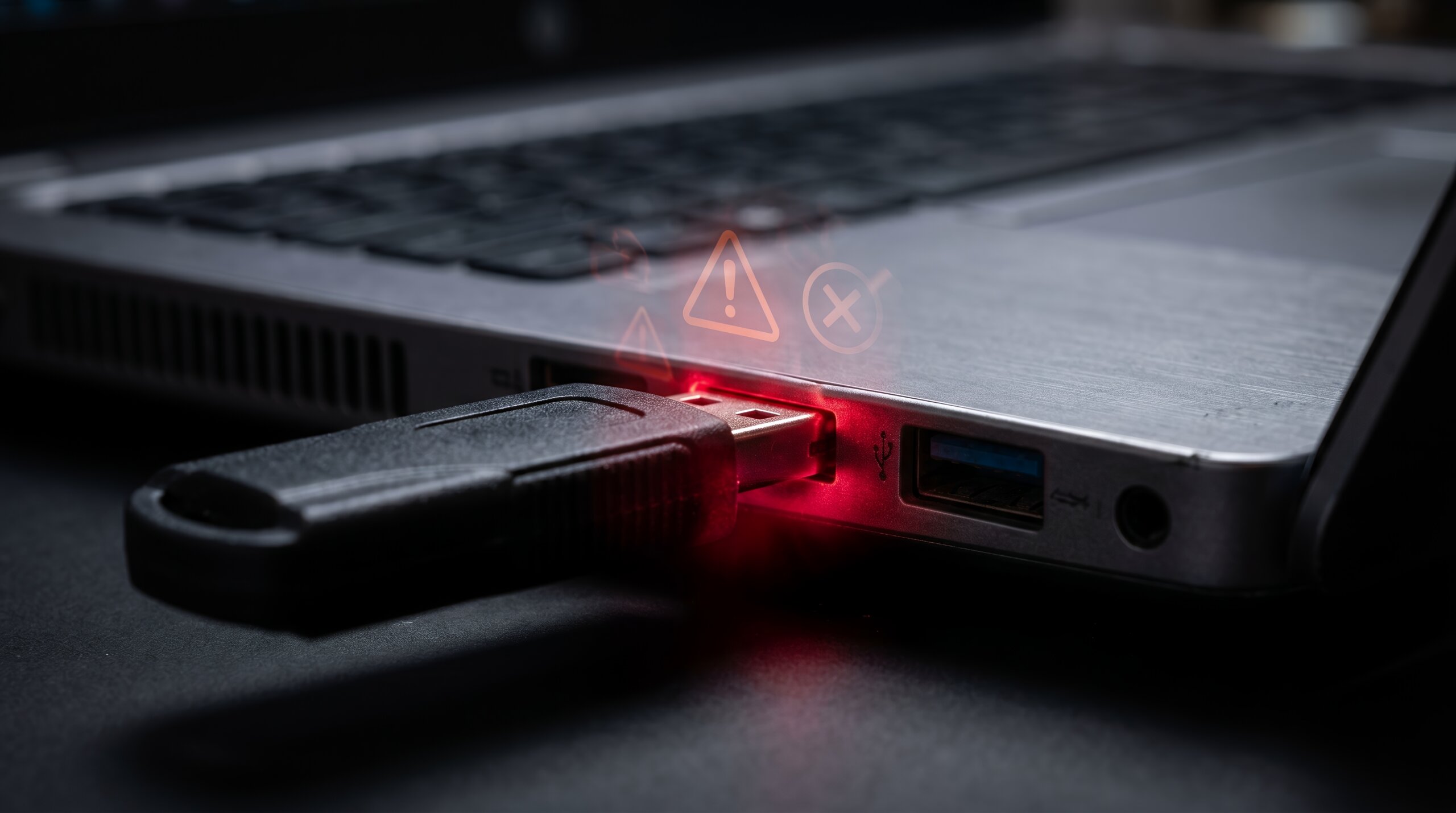
Imagine finding a USB flash drive in a parking lot, classroom, office hallway, or conference room. It might contain someone’s lost photos, important documents, or files that could help you identify its owner. Plugging it into your computer might seem like the easiest way to find out.
However, connecting an unknown USB device can expose your computer, personal information, or organization’s network to cybersecurity risks. Understanding unknown USB device safety is essential because a seemingly ordinary flash drive may contain malicious files or incorporate hardware designed to interact with a computer in unexpected ways.
This tactic is sometimes used in a USB drop attack, where attackers deliberately leave USB drives in places where people are likely to find and connect them. The goal is to exploit curiosity and trust to gain access to a device or network.
The safest approach is straightforward: never plug in a USB drive you find or cannot verify as trustworthy. Understanding USB drive safety also means knowing how to handle legitimate removable storage, recognize potential threats, and respond if an unknown device has already been connected.
What Is an Unknown USB Device?
An unknown USB device is a USB flash drive or other USB-connected device whose origin, ownership, or safety cannot be verified.
Examples include:
- A USB drive found in a parking lot or public space
- A flash drive left in a classroom, office, or conference room
- An unmarked USB device delivered with an unexpected package
- A removable drive offered by an unfamiliar person
- A device that appears to belong to a coworker but has no confirmed owner
- A USB accessory received from an unverified source
Not every unfamiliar device is malicious. Someone may genuinely have lost a flash drive or left it behind accidentally. The problem is that its appearance does not establish whether it is safe.
A device’s label, brand, packaging, or file names cannot reliably prove that it is free of malware. Even a drive that appears to contain ordinary documents may present risks.
For employees, students, and organizations, the right response is to treat an unverified device as untrusted until an appropriate process establishes how it should be handled.
Why You Should Never Plug in a Found USB Drive
USB devices are useful because they make it easy to transfer information between computers. That convenience can also create security risks when devices come from unknown sources.
USB Malware Risks
A USB drive may contain malicious files designed to compromise a computer when opened or executed. Depending on the device, operating system, security settings, and user’s actions, the malware could attempt to steal information, install unwanted software, or create a pathway for further attacks.
Potential consequences include:
- Exposure of personal or business information
- Compromised account credentials
- Malware infections
- Unauthorized access to sensitive files
- Disruption to business operations
- Further compromise of connected systems
The presence of a file on a drive does not automatically mean it will execute when the device is connected. However, that distinction does not make unknown devices safe to use.
Malicious USB Hardware
Not every USB threat comes from a file.
Some malicious devices are designed to impersonate legitimate peripherals or send unexpected input to a connected computer. A device that resembles a flash drive might behave more like a keyboard or another input device, potentially issuing commands when connected.
This is one reason a simple antivirus scan cannot guarantee that a USB device is safe. Scanning files does not necessarily identify every hardware-based threat or every malicious behavior.
Data Theft and Unauthorized Access
If malicious software is installed from a compromised USB device, it may be used to collect sensitive information such as files, saved credentials, or other data stored on the system.
Depending on the user’s access level and the organization’s security controls, a successful compromise could affect more than a single workstation and potentially expose additional systems or information across the network.
What Is a USB Drop Attack?
A USB drop attack is a form of social engineering in which an attacker deliberately leaves a USB device where someone is likely to find it and connect it to a computer. USB baiting uses curiosity, urgency, or the promise of valuable information to encourage someone to connect an untrusted device.
Both tactics exploit human behavior rather than relying solely on technical vulnerabilities.
A USB drop attack occurs when an attacker deliberately leaves USB devices where potential victims are likely to find them and connect them to a computer.
The attack relies on a simple behavioral pattern: people often want to identify the owner of a found device or satisfy their curiosity about its contents.
For example, someone might leave a flash drive labeled “Payroll,” “Confidential,” or “Project Documents” in a busy office. An employee who wants to help or investigate might connect it to a work computer.
The label may be designed to create curiosity, urgency, or a sense that the contents are important.
These attacks demonstrate why cybersecurity awareness matters. A device does not have to arrive through email or a website to create a potential security incident.
How to Handle a Found USB Device
An unfamiliar USB drive could contain malicious software designed to compromise your device or data. Rather than investigating it yourself.
Use the following best practices to handle it safely:
1. Do Not Connect It
Do not plug the device into your personal computer, work computer, phone, or another electronic device to identify its contents.
Avoid experimenting with it or using a spare computer to investigate. A separate computer is not automatically isolated or protected from every possible threat.
2. Report It to the Appropriate Person
If you find the device at work, on campus, or at an event, contact your IT department, security team, facilities department, or designated lost-and-found service.
If you find a device in a public place, use an appropriate lost-property service or contact the responsible property’s staff without connecting the device.
3. Secure the Device Unit It Can Be Turned in
If Immediate reporting is not possible, store the USB drive in a safe location and limit access to it until it can be transferred to the appropriate department or IT services. This will help prevent accidental use or mishandling.
4. Follow Organizational Procedures
Organizations should have clear instructions for employees who discover unknown removable media. Those procedures should identify whom to contact, how to report the discovery, and who is authorized to handle the device.
Employees should not be expected to determine independently whether a found device is safe.
Virus Scan USB Drive: Can You Safely Check an Unknown Device?
If you’re looking for a way to perform a virus scan on a USB drive, it’s important to understand the difference between scanning trusted removable storage and attempting to verify an unknown device. Antivirus software can detect many known threats, but a scan cannot guarantee that a device is safe to connect.
Searching for a virus scan USB drive solution is understandable, particularly when you need to use removable storage for legitimate work.
However, there is an important distinction between scanning a trusted USB drive and trying to make an unknown device safe.
Scanning is a security measure, not a guarantee that an untrusted device is safe.
Antivirus and endpoint security tools can identify many known malicious files and suspicious behaviors. Their effectiveness depends on factors such as detection capabilities, configuration, updates, and the type of threat involved.
A scan may not detect every new or modified threat. It also may not adequately address malicious USB hardware that behaves like a keyboard or another peripheral.
When You Need to Use a Trusted USB Drive
If your organization permits removable storage, follow its approved process:
- Verify the device’s source and authorization.
- Confirm that its use is permitted under your organization’s removable media policy.
- Use approved endpoint security tools to scan files or removable storage as required.
- Keep operating systems and security software updated.
- Avoid opening unexpected files or running unknown programs.
- Transfer only the information necessary for the task.
- Follow rules for storing, encrypting, and disposing of sensitive data.
The process should begin with trust and authorization, not with plugging in an unknown device and hoping a scan catches anything harmful.
Good USB drive security combines employee awareness, technical safeguards, and consistent procedures.
Use Only Authorized Devices
Organizations should define which removable devices employees can use and under what circumstances.
Approved devices may need to meet requirements for ownership, encryption, security configuration, and intended use.
Employees should avoid connecting personal or unverified USB devices to organizational systems unless explicitly permitted.
Encrypt Sensitive Information
If removable media is approved for storing sensitive information, encryption can help protect data if the device is lost or stolen.
Encryption does not make a malicious device safe to connect, and it does not replace access controls or other safeguards. It addresses a different risk: unauthorized access to stored information.
Keep Security Software Updated
Antivirus and endpoint detection tools should receive updates and be configured according to organizational security requirements.
Where appropriate, endpoint protections can scan removable media, detect suspicious activity, and restrict unauthorized device use.
Restrict Unnecessary USB Access
Not every employee needs to transfer files through removable storage.
Organizations can use device-control capabilities to limit which USB devices may connect, restrict certain device types, or block removable storage where it is unnecessary.
These restrictions can reduce opportunities for malware introduction and unauthorized data transfer.
Protect Sensitive Data
USB drives can create data loss risks as well as malware risks. A misplaced drive may expose confidential documents, personal information, intellectual property, or regulated data.
Employees should store only authorized information on removable media and follow organizational rules for encryption, transport, storage, and disposal.
What to Do If You Already Plugged in an Unknown USB Device
If you have already connected an unknown device, do not assume that an incident has occurred, but do not ignore the possibility either.
Take these steps:
- Stop using the device. Do not open files, run programs, or continue exploring its contents.
- Contact IT or security immediately. Follow your organization’s incident response instructions.
- Follow instructions about disconnecting the device. Your security team may want to isolate the computer or preserve evidence. Avoid taking additional actions that could complicate an investigation.
- Do not attempt to clean up the system yourself. Avoid deleting files, running unfamiliar cleanup tools, or changing settings unless instructed.
- Explain what happened. Share when the device was connected, what actions you took, and whether you opened any files or noticed unusual behavior.
If you connect the device to a personal computer, stop interacting with it and use trusted security guidance or professional support to determine appropriate next steps.
If you entered credentials or suspect account information may have been exposed, tell your security team so it can assess whether password changes, session revocation, or additional monitoring are necessary.
Prompt reporting is more important than embarrassment. A quick report allows security personnel to assess the situation and take appropriate action.
Unknown USB devices highlight a larger security challenge: managing the risks associated with removable media. To reduce these risks, organizations often implement removable media security controls that regulate how portable storage devices are used, monitored, and protected.
What Is Removable Media Security?
Removable media security refers to the policies, procedures, and technical safeguards used to protect information stored on or transferred through portable storage devices.
This can include USB flash drives, external hard drives, memory cards, and other removable storage.
Effective removable media security considers the entire lifecycle of a device, including:
- Authorization and acquisition
- Approved use
- Access restrictions
- Malware prevention and scanning
- Data encryption
- Storage and transport
- Reporting lost or stolen devices
- Secure sanitization and disposal
NIST’s security guidance addresses media protection, including access restrictions, protection during transport, and the sanitization of media before disposal or reuse.
These principles are particularly important for organizations that handle confidential information, personal data, financial records, or other sensitive information.
Why Organizations Need a Removable Media Policy
A removable media policy explains when employees can use portable storage devices and how those devices must be handled.
Without clear guidance, employees may make inconsistent decisions about connecting unknown devices, transferring files, or storing sensitive information.
A practical USB security policy should address several areas.
Approved Devices and Authorized Users
Specify which devices are permitted, who can use them, and which systems they can connect to.
Scanning and Technical Controls
Describe required security checks for approved devices and explain which endpoint protections employees must use.
Sensitive Data and Encryption
Define what information may be stored on removable media and when encryption or additional approval is required.
Lost or Unknown Devices
Explain how employees should report found, lost, or suspicious devices. Make clear that unknown devices should not be connected to determine their contents.
Incident Reporting
Provide a clear reporting process for suspected malware, unauthorized connections, or potential data exposure.
Sanitization and Disposal
Establish approved procedures for securely removing information before a device is reused, returned, or disposed of.
Policies should reflect the organization’s risk profile, regulatory obligations, technical environment, and operational needs. A policy is most useful when employees can understand it and follow it consistently.
Make USB Drive Safety Part of Cybersecurity Awareness
USB drives remain useful tools for transferring information, but convenience should not override security.
An unknown USB device can create risks through malicious files, deceptive social engineering, or hardware designed to interact with a computer in unexpected ways. Scanning software can help protect systems, but it cannot establish that every unknown device is safe.
The safest response to a found device is to leave it disconnected and report it through the appropriate channel.
Organizations can reinforce this behavior by combining clear removable media policies, technical controls, endpoint security, and regular cybersecurity awareness training.
Contact CampusGuard to learn more about improving your organization’s cybersecurity awareness and protecting systems and sensitive information from evolving threats.
Frequently Asked Questions About USB Drive Safety
What should you do if you find an unknown USB device?
Do not connect it to your computer. Report it to your IT or security team, or follow the appropriate lost-property procedure.
Can a virus scan on a USB drive guarantee that it is safe?
No. Antivirus software can detect many known threats, but it cannot guarantee that every malicious file, hardware-based attack, or unknown vulnerability will be identified.
What is the difference between a USB drop attack and USB baiting?
A USB drop attack involves deliberately leaving a device where a potential victim may find it. USB baiting describes the use of an enticing device to encourage someone to connect it. The terms overlap in common cybersecurity usage.
What is removable media security?
Removable media security consists of policies, procedures, and technical controls that protect information stored on or transferred through USB drives and other portable storage devices.
Why do organizations need a removable media policy?
A removable media policy establishes which devices are authorized, how sensitive information must be protected, and how employees should report unknown or suspicious devices.